How to Start Project Pan: A Simple Beginner’s Guide
Start your first project pan with one beauty product, a realistic use goal and photos you can compare. Follow a simple plan for logging use and reviewing your progress.
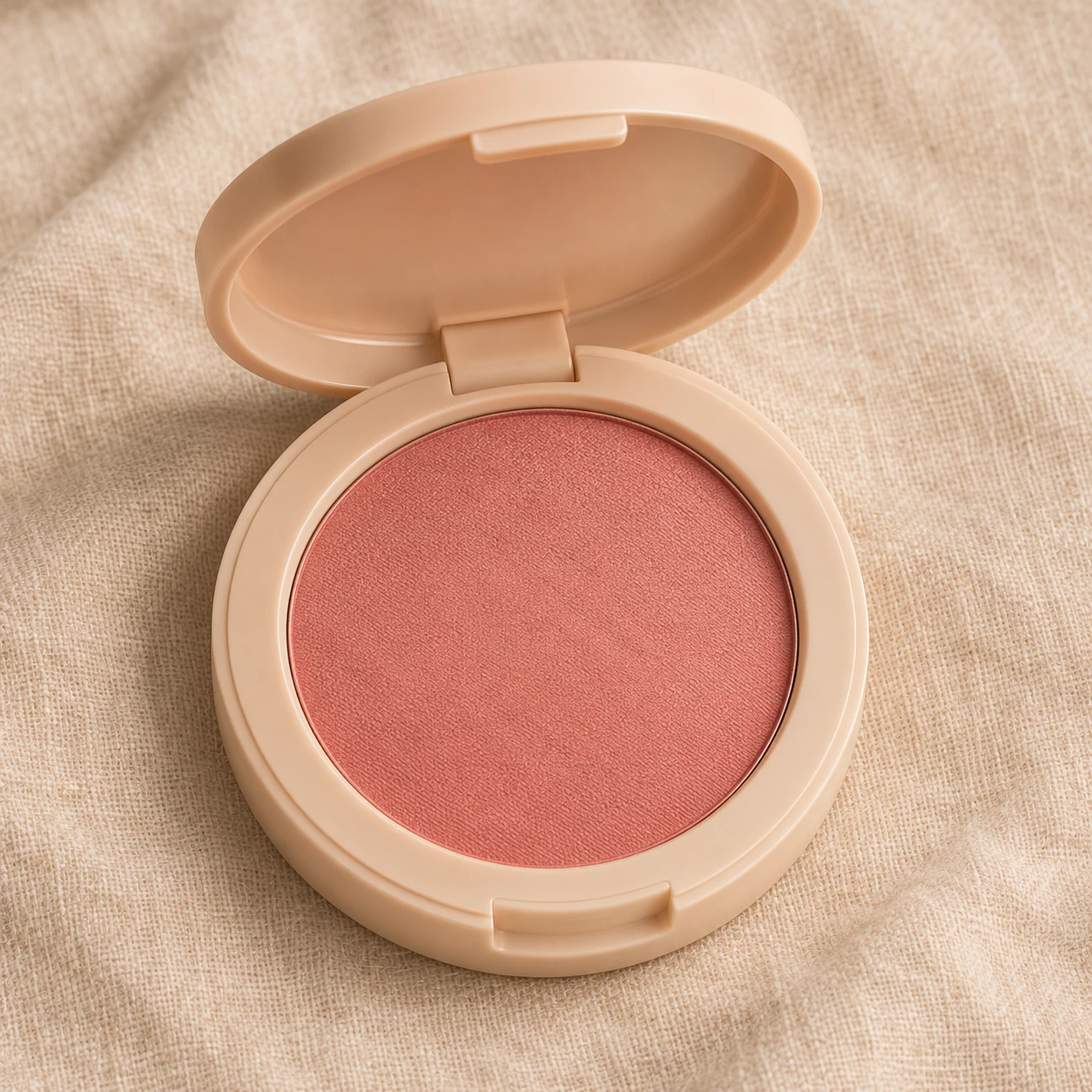
That blush at the back of your drawer can be your whole first project. Choose it, decide how often you would like to use it, and keep a small record of what happens.
Project pan is a personal challenge to use the beauty products you already own. “Hitting pan” means reaching the visible bottom of a pressed powder, such as a blush or eyeshadow. Your project can also focus on finishing a product or reaching a number of uses.
For a first attempt, we recommend one product and a use goal. You can follow this plan in a notebook or a tracker such as Graina.
1. Pick one product you already enjoy
Choose something that fits your current routine. A blush you like wearing to work or a lip color you reach for on weekends gives you a clear place to start.
A large palette can make the decision harder. If you choose one, focus on a single shade rather than the whole palette. Keep the rest of your makeup available so you can still wear what you feel like wearing.
Check the product before adding it to the project. Follow its label and the manufacturer’s directions. The FDA advises throwing away cosmetics that change in color or smell, and stopping use if you have a reaction. A progress goal should never be a reason to keep using a questionable product. Read the FDA’s cosmetic safety guidance if you are unsure what to check.
2. Choose a goal you can count
“Finish this blush” can be difficult to judge when you have just started. A use goal gives you something you can record even when the product looks much the same.
For example, you might plan to use one blush 10 times over 30 days. That is an example, not a target everyone needs to follow. If you only wear blush on weekends, choose a goal that fits those days.
Write down what counts as a use for your project. One makeup application is an easy rule. Keep your normal application amount and follow the product’s directions.
Graina offers 30-, 60- and 90-day projects. You can choose a project length and set a use goal for your product. A longer project gives you more time to observe it; it does not guarantee that you will finish it.
3. Take a starting photo you can repeat
Place the product near a window and take a clear photo of the part you want to track. For a powder, that might be the surface inside the compact. For a lip product, it might be the amount visible above the tube.
Keep the photo setup simple enough to repeat. Use the same surface, a similar angle and similar light at your next check-in. Set the camera at roughly the same distance each time.
Save an original photo for your record. Changes in lighting, cropping or color can make the product appear different even when little has changed. Graina lets you keep progress photos and compare them as your project continues.
4. Log the use after you apply it
Put the product where it belongs in your routine. After you apply it, record the use while you still remember.
In Graina, logging actual product use grows the plant in your garden. The log gives you a record to return to when a powder is changing too slowly to notice in a photo.
If you forget a day, continue with the next use you can record accurately. Keep guesses out of your log. You can still finish the project with a useful record, even if it has gaps.
5. Check in once a week
Choose a day to look at your log. Count the uses you recorded, then decide whether your goal still fits your routine.
Take another photo when it will help you see a change. A weekly photo can be a useful starting rhythm, but you can leave more time between photos if they look identical.
You may notice a shallow dip in a powder, a shorter lipstick or only an increase in your use count. Record what you can see. A product that lasts longer than expected is useful information for your next project.
Keep AI looks separate from progress photos
Graina also has AI photo looks. Those are creative edits made from a selected photo, so keep them separate from the original photos you use to judge product progress.
Community sharing is optional. You can share a milestone or a question when you want company, and keep other progress photos to yourself. Generating an AI image does not automatically post it to Community.
At the end, review the product and the goal
When your chosen period ends, look back at the starting photo and your use count. Note whether you enjoyed using the product and whether the goal was comfortable to follow.
You might finish the product, reach your use goal or decide to rotate something else into your routine. Graina’s square and story recaps give you a way to collect your progress when you want to save or share it.
For your first project, write down the product name, your use goal and the date you will check in. Take the starting photo before the next application.